ChatGPT Voice Retirement: What Changes on December 11
OpenAI retires Advanced and Standard voice on 11 December 2026. Live voice takes over, and this guide shows what changes, what it costs, and what to check first.
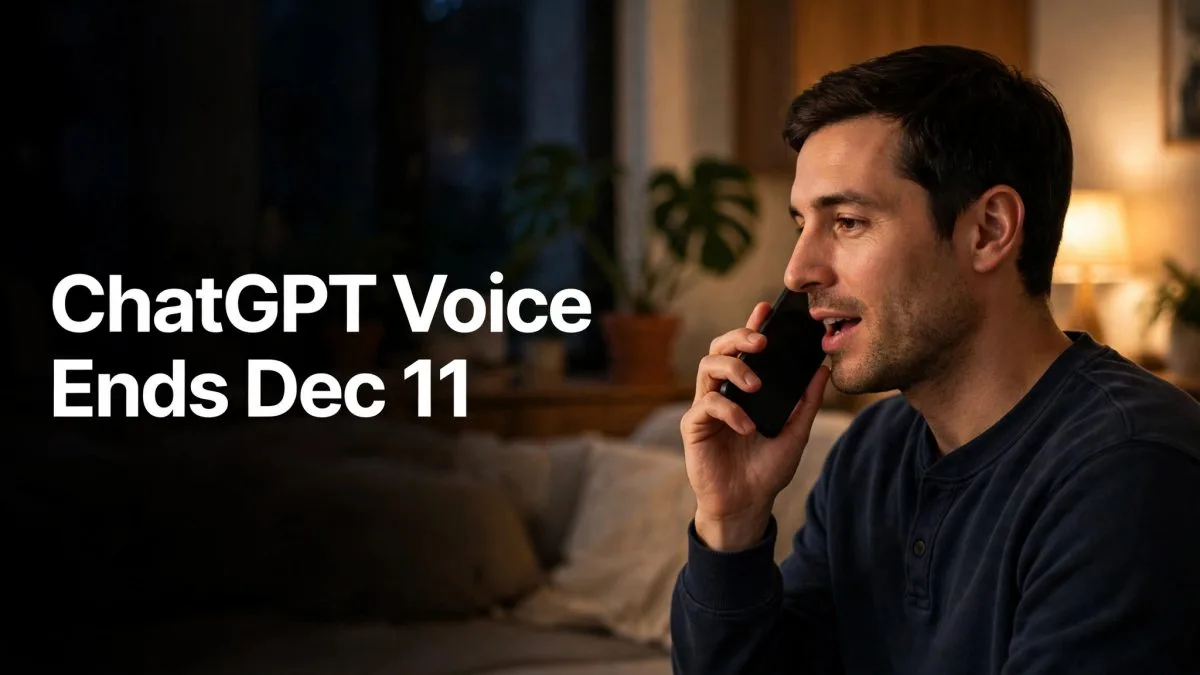
ChatGPT voice retirement is real, and the date is 11 December 2026. On that day OpenAI retires Advanced voice and Standard voice, and Live voice becomes the only way to talk to ChatGPT out loud. If you still use one of the old modes, you will move to Live on your own.
This guide gives you the facts in plain words: how the three modes differ, how to switch to Live voice in four steps, what it costs on each plan, and the five checks to do before 11 December.
Quick facts
- What: Advanced and Standard voice retire from ChatGPT Voice
- Date: 11 December 2026, announced 10 November 2026
- What replaces them: Live voice, run by GPT-Live
- Who it hits: anyone who still picks Advanced or Standard in Settings
- What stays: your chat history, Read Aloud, and video and screen sharing for now
- Cost: $0 extra, voice time limits depend on your plan
ChatGPT voice retirement: the three modes, explained
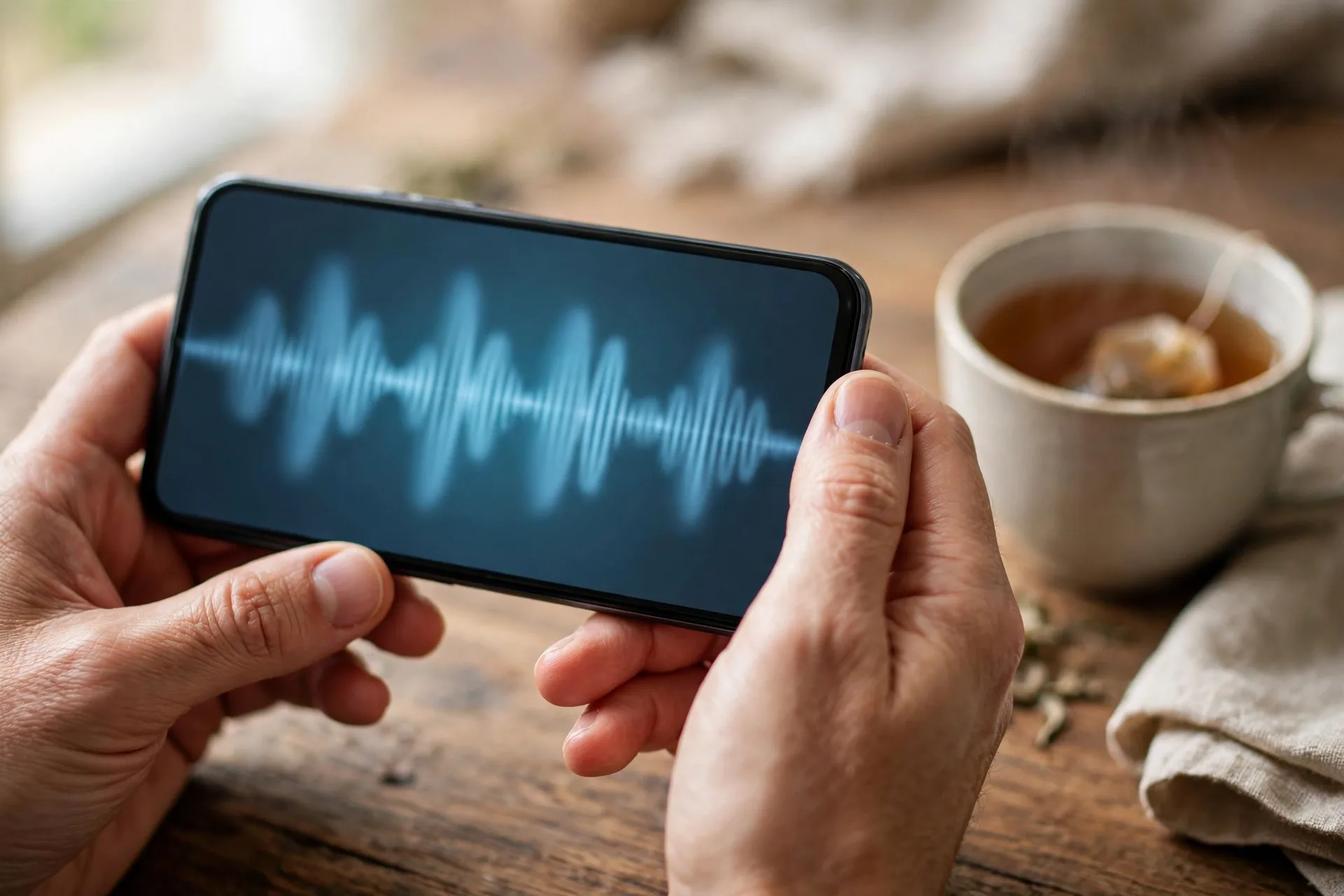
ChatGPT has had three ways to talk out loud, and only one survives 11 December.
| Mode | How it works | On 11 December |
|---|---|---|
| Standard | Three models in a chain: speech to text, text answer, text to speech | Retires |
| Advanced | One audio model, but you take turns | Retires for voice chats |
| Live (GPT-Live) | One model that listens and speaks at the same time | Becomes the only voice mode |
Standard is the oldest mode. It chains three models, so it is slow and loses detail. Advanced is the middle step. It handles audio in one model, so it sounds more natural, but it is turn based. It waits for you to stop talking before it starts, so the chat feels stiff.
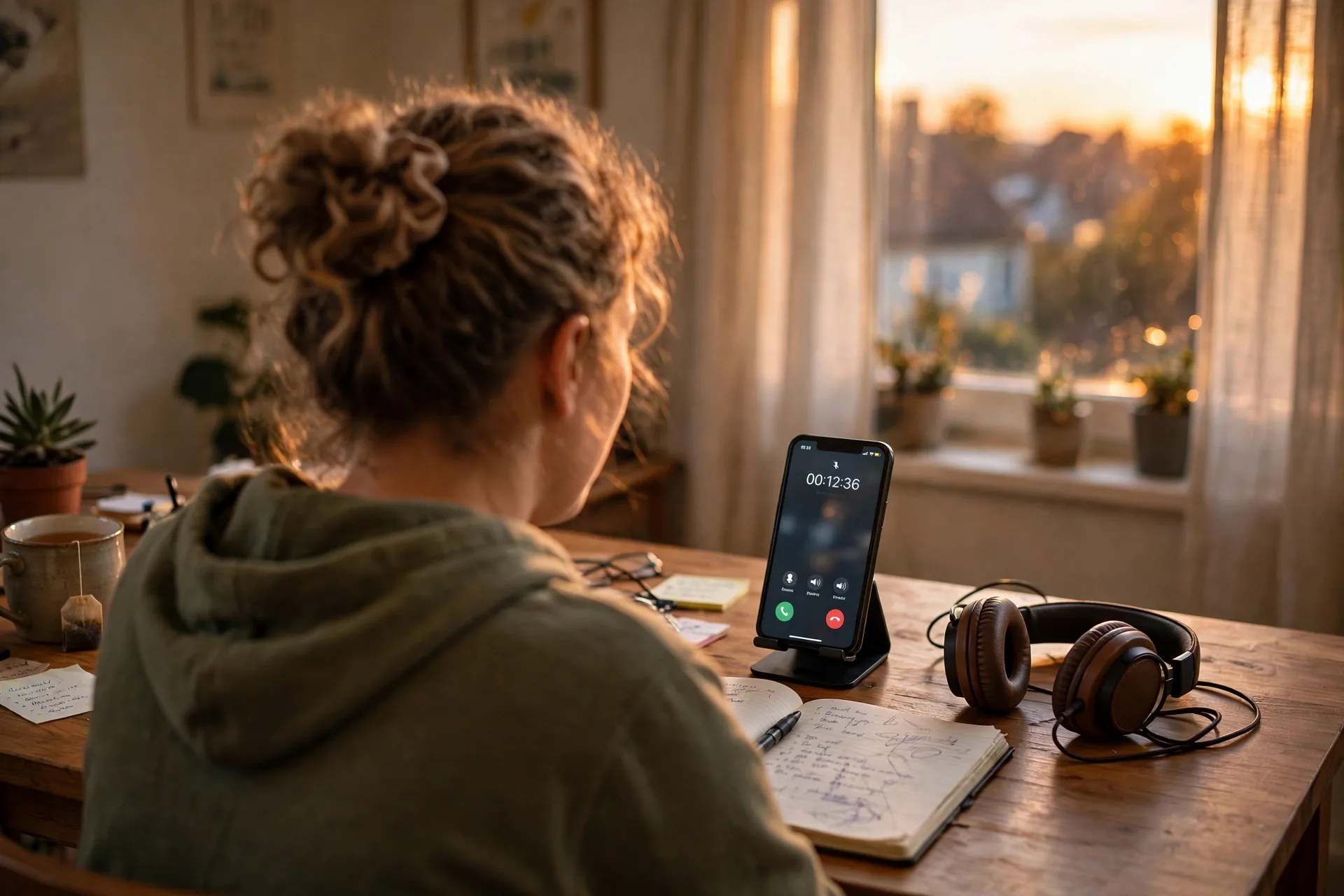
Live is the new mode. GPT-Live is a full duplex model, which means it can listen and speak at the same time. You can cut in mid sentence. It can say "mhmm" or "yeah" while you talk, or stay quiet while you think. It can also hand hard questions to OpenAI's best text models in the background.
OpenAI brought out GPT-Live in July 2026. Since then, voice use has nearly doubled, and OpenAI says almost all voice users now use GPT-Live.
How to switch to Live voice in 4 steps
You do not have to do anything. On 11 December, OpenAI moves you to Live on its own. But switch now, so you can learn the new style while the old one still works.
- Update the ChatGPT app. Open your app store and update ChatGPT. An old version may not show Live.
- Open Settings, then Voice. On the web, open Settings from your profile menu. On the phone app, tap your profile, then Settings, then Voice.
- Pick Live in the voice picker. Tap Voice, then pick Live. The old modes will still show until 11 December.
- Pick a voice and test it. Live has nine main voices, such as Arbor, Breeze, Cove, and Sol. Try one short chat. Say a few lines, cut in mid sentence, and see how it feels.
If Live feels too chatty at first, give it a few days. The short "mhmm" sounds take some getting used to, but most people find it more natural than the old turn taking. Our GPT-6.2 Sol guide covers the new model for paid users.
What Live voice costs on each plan
Live voice costs $0 extra on every plan. What changes is how much voice time you get. OpenAI counts voice time over a rolling 24 hours. When you hit your limit, the call ends, and you can go on in text.
| Plan | Price per month | Live voice model | Voice per rolling 24 hours |
|---|---|---|---|
| Free | $0 | GPT-Live-1.1 Quip | Limited access, OpenAI says the limit may change |
| Go | $8 | GPT-Live-1.1 Quip | 3 hours |
| Plus | $20 | GPT-Live-1.1 | 3 hours |
| Pro ($100) | $100 | GPT-Live-1.1 | 15 hours |
| Pro ($200) | $200 | GPT-Live-1.1 | Unlimited, within rules against abuse |
Here is the maths, if you use the full daily voice time. Plus costs $20 a month for up to 3 hours a day, or up to 90 hours a month, so about $0.22 per hour. Go costs $8 a month for the same 3 hours a day, or about $0.09 per hour, but you get the smaller Quip model. Pro at $100 a month gives 15 hours a day, or up to 450 hours a month, which is also about $0.22 per hour. Pro at $200 a month has no fixed cap, so it only pays off if you talk for many hours each day.
For most people, Free is fine for short chats, and Plus is the sweet spot if you talk each day. Pay for the plan you need for your other work, not for voice alone. In Bangladesh, you can buy ChatGPT Plus for ৳1,600 a month from AroraShop and pay with bKash or Nagad.
What stays the same, and the two exceptions
Your past chats stay, and Read Aloud does not change. Conversations you had with Advanced or Standard voice stay in your ChatGPT history, and you can pick them up again in text or in voice. Read Aloud still reads written answers out loud, since the change covers voice chats only.
Live video and screen sharing stay on Advanced for now. This is the first exception. GPT-Live cannot do them yet, so they will still run on Advanced voice until GPT-Live gains the skill. OpenAI has given no date for that.
Custom GPTs retire the same day. This is the second exception, and it is the one to act on. Voice with custom GPTs will keep using Advanced voice until then. If you built a custom GPT, save its prompts and files before that date.
Audio clips are kept for 30 days. OpenAI says audio clips from Live and Advanced chats stay with the chat transcript and are kept for 30 days. Standard voice is the odd one out: it turns speech into text and deletes the audio at once.
Our honest take
Live is a real step up for most people. The old turn taking felt like a walkie talkie. Live feels like a phone call, with cuts in, short replies, and room to think out loud. If you use voice to plan your day or talk through a hard task, you will feel the gain in the first week.
The loss is real too, but it is narrow. Some people liked the calm pace of Advanced voice, where each side took a clean turn. And people who share their camera or screen have no date for GPT-Live to take over.
Our advice: switch to Live this week and try it for a few days before the old modes go away. If you built custom GPTs with voice, save what matters now, since they retire the same day. If you talk for a few minutes a day, stay on Free. If you talk each day and want the full model, Plus at $20 a month is the fair pick. Our ChatGPT Health Android guide shows how to link health data on Android, and our ChatGPT Space guide covers the shared pages feature for Plus users.
Stay safe: 5 checks before December 11
- Switch to Live now, while the old modes still work, so you can pick a voice you like.
- Export chats you want to keep. In Settings, then Data Controls, pick Export data. It is your own copy.
- Save your custom GPTs. Copy the prompts and files of any custom GPT you use with voice. They retire on 11 December too.
- Check your plan limit. Free gets limited Quip access. If you talk for hours each day, check the table above and pick the plan that fits.
- Check what audio ChatGPT keeps. Live and Advanced clips stay for 30 days. Delete chats you do not want kept, and never read out card numbers or passwords to any voice mode.

Frequently asked questions
Is ChatGPT voice going away on December 11?
No. Only Advanced and Standard voice retire. Live voice stays as the only way to talk to ChatGPT out loud.
Do I need to do anything before December 11?
No, OpenAI moves you to Live on its own. But try Live now, so you can pick a voice before the old modes go away.
Is Live voice free?
Yes, Free users get limited access to GPT-Live-1.1 Quip. Plus costs $20 a month and gives 3 hours of the full model each rolling 24 hours.
What happens to my old voice chats?
They stay in your ChatGPT history. You can open them again in text or voice, and voice will use GPT-Live after 11 December.
Can I still share my screen or camera with ChatGPT?
Yes. Video and screen sharing still run on Advanced voice until GPT-Live can do them. OpenAI has given no date.
What happens to custom GPTs on December 11?
Custom GPTs retire the same day. Voice with custom GPTs keeps using Advanced voice until then, so save any prompts and files you want to keep.
Will Read Aloud still work after December 11?
Yes. The change covers voice chats only. Read Aloud still reads written answers out loud.
Need help?
The switch takes about two minutes. Try it this week, and save your custom GPTs before 11 December. Questions? Email us at hello@trickandtech.com and we will get back to you.
Founder and Lead Technology Editor at Trick & Tech. Specializes in artificial intelligence tools, Android ecosystems, consumer hardware analysis, and practical digital workflows with over 5 years of hands-on tech publishing experience.