Gemini GIF Maker Is Here: How to Make Your Own GIF
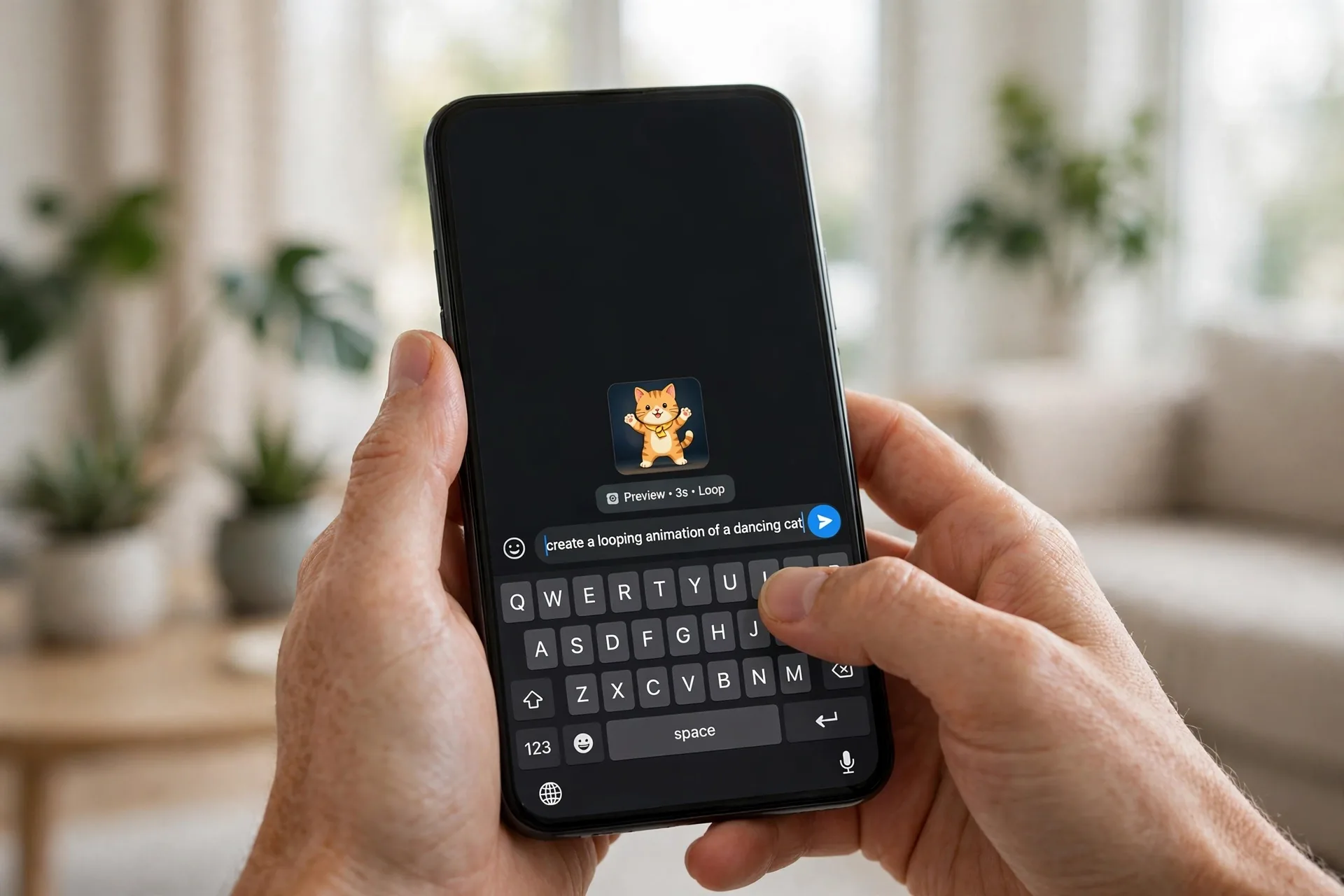
Gemini can now make GIFs for you. Type a short prompt, add a photo if you want, and you get a 3-second loop you can share anywhere.
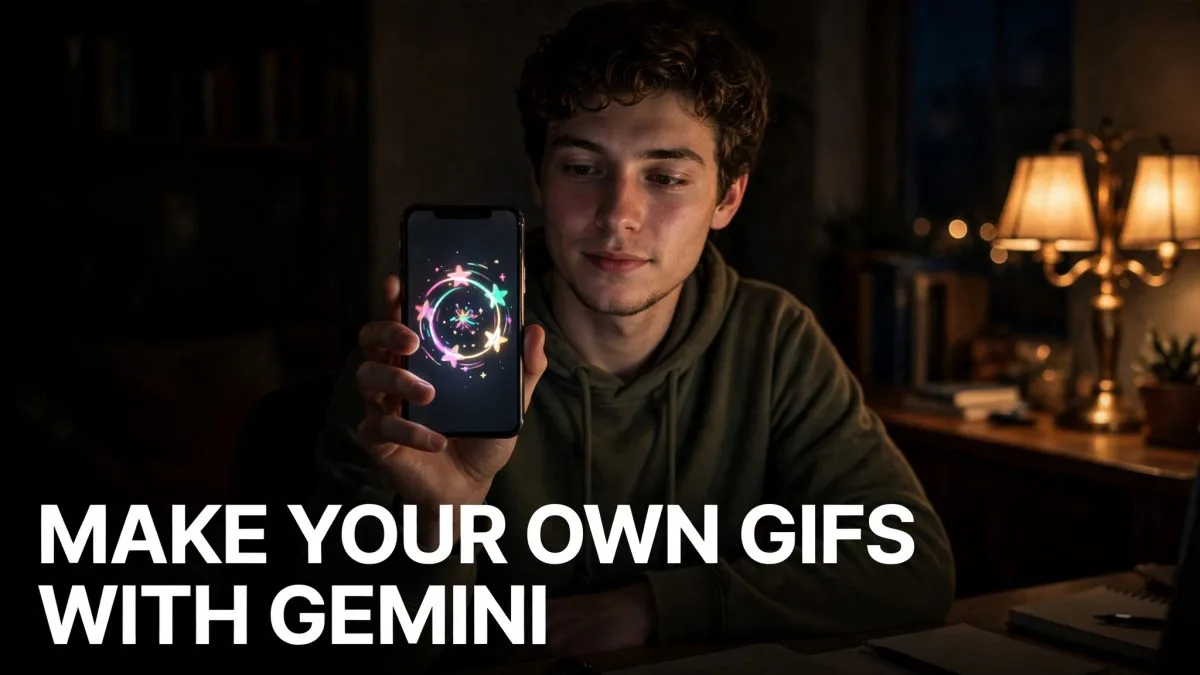
Yes, Gemini can now make GIFs. Google announced the new Gemini GIF maker on 20 November 2026. It turns a short text prompt, a photo, or a video clip into a looping animation of about 3 seconds. You no longer need to search Giphy or Tenor for the right reaction. You can make the exact one you want.
Quick facts
- What is new: Gemini can now create animated GIFs from a text prompt, up to five images, or one video.
- When it launched: Google announced it on 20 November 2026 on the Gemini app account on X.
- The model behind it: Gemini Omni 1.2 Flash, the same model that powers video creation in Gemini.
- Length: Each GIF runs for about 3 seconds and plays in a loop.
- Who can use it: Google AI subscribers around the world, plus free users in eight countries. You must be 18 or older.
Gemini GIF maker: what it does
The Gemini GIF maker is a small new tool inside the Gemini app. You describe the loop you want in plain words, and Gemini builds it for you. You can also start from your own stuff. Upload a photo of your pet, a selfie, or a short video clip, and Gemini will animate it into a loop.
Google also ships ready-made templates for reaction memes. Pick one and you have a meme in a minute. That is the whole point of the tool: stop hunting for the perfect GIF, and make it instead.
The GIFs run on Gemini Omni 1.2 Flash, a video model Google released earlier in November 2026. It can make video clips up to 15 seconds long and keeps the subject steady from frame to frame. The GIF tool is a short form of the same tech, cut down to a 3-second loop.
Our list of the 50 best AI tools for research shows where Gemini sits next to the other big names.
How to make a GIF with Gemini
You can make a GIF in the Gemini app on your phone or at gemini.google.com on a computer. Follow these six steps.
- Open Gemini. Open the app, or go to gemini.google.com and sign in.
- Start a chat. Type your idea, for example: "Create a GIF of a cat waving hello."
- Or open the video tool. Tap the sidebar, pick Create video, then choose GIF in the format picker.
- Add a photo or video if you want. Tap Add image to add up to five photos, or Add video to add one clip.
- Try a template. If you want a fast reaction meme, pick a ready-made template instead of a prompt.
- Wait, then share. It can take a few minutes to build. When it is done, copy the GIF into your chat or app, or download it as a .gif file.
A good prompt is short. Say who is in the scene, what moves, and how it feels. "A happy dog jumps for joy" works better than a long paragraph.

5 Gemini GIF prompt ideas to try first
Not sure what to make? Start with one of these. Each one fits the 3-second loop well.
- A pet reaction. "A small brown dog tilts its head, then wags its tail."
- A happy dance. "A cartoon robot does a small happy dance and waves."
- A weather mood. "Rain falls on a window while a warm lamp glows inside."
- A photo come to life. Upload a photo of a friend smiling, then prompt: "She smiles and waves at the camera." Use only photos you have the right to share.
- A sports cheer. "A football fan jumps up and cheers with arms in the air."
Keep your prompts to one clear action, since a GIF lasts only about 3 seconds.
Gemini GIF vs ChatGPT GIFs
Google is not first here. OpenAI added GIF creation to ChatGPT earlier in November 2026 with its Images 2.6 model. ChatGPT keeps adding new tools too, as our guide to ChatGPT Space for Plus users shows. Here is how the two compare.
| Feature | Gemini GIF maker | ChatGPT GIFs |
|---|---|---|
| Model | Gemini Omni 1.2 Flash | Images 2.6 |
| Length | About 3 seconds, loops | Short loops |
| Start from | Text, up to 5 photos, or 1 video | Text, sketches, or product photos |
| Free access | Free in 8 countries, paid plan elsewhere | Tied to ChatGPT plans |
The real difference is access. Gemini gives free users in eight countries a way in, while ChatGPT keeps its GIF tool inside paid plans. If you already pay for one of them, use the one you have.
Who can use it free, and what it costs
The eight free countries are the US, Canada, UK, Australia, Japan, South Korea, Germany, and France. Bangladesh is not on that list, so if you are in Bangladesh, you need a Google AI plan to make GIFs in Gemini. If you are in the US or UK, check your Gemini app first.
| Plan | Price per month (US) | What you get |
|---|---|---|
| Google AI Pro | $19.99 | Higher access, 5 TB storage |
| Google AI Ultra | From $99.99 | Top limits, first access to new tools |
Let us do the maths on Pro. Pay month by month and a year costs $19.99 times 12, which is $239.88. Pay for a year up front and it costs $199.99, which saves $39.89 a year, or about $16.67 a month. Pro also adds 5 TB of Google storage and Gemini inside Gmail and Docs.
Is it worth paying for GIFs alone? No. A 3-second loop is a fun extra, not a reason to spend $20 a month. But if you already pay for Pro for the storage, the models, and the higher limits, GIFs are a free bonus on top. If you only want GIFs, wait. The help page still lists a Google AI plan as a must, even after Google said free users in eight countries can use it, so the rollout is still moving. If you do decide to go Pro, you can get Google Gemini Pro from AroraShop, which lists an 18-month subscription for readers in Bangladesh. Check the price and terms on that page before you pay, and compare it with Google's own price first.
Our honest take
This is a small feature, and that is fine. GIFs are a small thing we all use every day. Making your own in the same app where you already chat is a real time saver, and the templates make it easy for anyone, not just prompt experts. But keep your hopes in check. A 3-second loop cannot carry a story, and early AI GIFs often have odd hands, odd faces, or motion that stutters. Test it with a pet or a cartoon first.
The bigger story is the race. Google and OpenAI both shipped GIF makers in the same month, so AI GIFs are about to become a normal chatbot feature.
How to stay safe
AI GIFs are fun, but a few rules keep you out of trouble.
- Use your own photos. Only animate photos of yourself, your pets, or people who said yes.
- Never fake a real person. Do not make a GIF that puts words, moves, or acts on a real person that they never did.
- Watch what you share. A GIF you send in a group chat can be saved and shared again.
- Keep your account safe. Never share your Google password or a one-time code with anyone.
Frequently asked questions
Can Gemini make GIFs?
Yes. Gemini can turn a text prompt, up to five photos, or one video into a GIF of about 3 seconds that loops.
How long are Gemini GIFs?
About 3 seconds, and they play in a loop.
How do I make a GIF in Gemini?
Open the Gemini app or gemini.google.com and type "Create a GIF of..." in the chat, or open Create video and pick GIF. Add a photo or video if you want, then wait a few minutes and download it.
Is the Gemini GIF maker free?
It is free in eight countries: the US, Canada, UK, Australia, Japan, South Korea, Germany, and France. Everywhere else, including Bangladesh, you need a Google AI plan.
Can I use a Gemini GIF in WhatsApp or email?
Yes. Copy and paste it into chats, emails, and docs, or download it as a .gif file.
Need help?
Gemini can now make GIFs, and it takes less than a minute to try. Type a short prompt, add a photo if you like, and share the loop with your friends. If you are in one of the eight free countries, try it free first. If you are in Bangladesh, weigh the paid plan on the whole bundle, not on GIFs alone. For more on how fast AI tools now fill our screens, see our look at AI games on Steam. Questions? Email us at hello@trickandtech.com and we will get back to you.
Founder and Lead Technology Editor at Trick & Tech. Specializes in artificial intelligence tools, Android ecosystems, consumer hardware analysis, and practical digital workflows with over 5 years of hands-on tech publishing experience.